SCAN GUIDE
FILM SCANS
LOOK CLOSER

EVERY DETAIL.
ACTUAL PIXELS.

Move over the image to explore. Click to lock; drag on touch.

Lock position

FULL IMAGE

Selected scan
Hand picking a blackberry among green leaves, with the film border visible

100% · ACTUAL PIXELS

Selected detail
Hand picking a blackberry among green leaves, with the film border visible
THE EDGES MATTER

FULL FRAME.

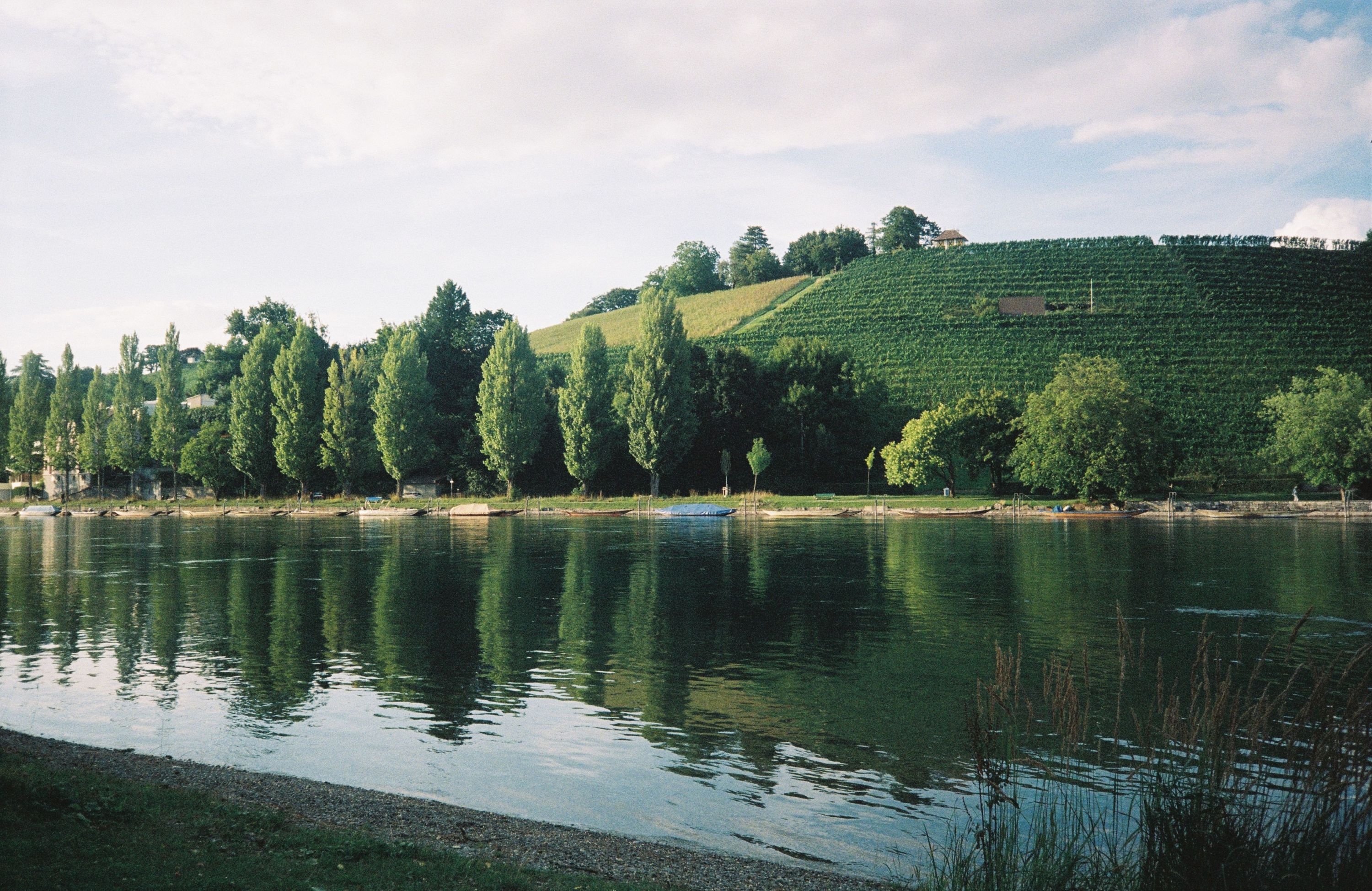
Compare the normal scan area with a scan that keeps the film border.
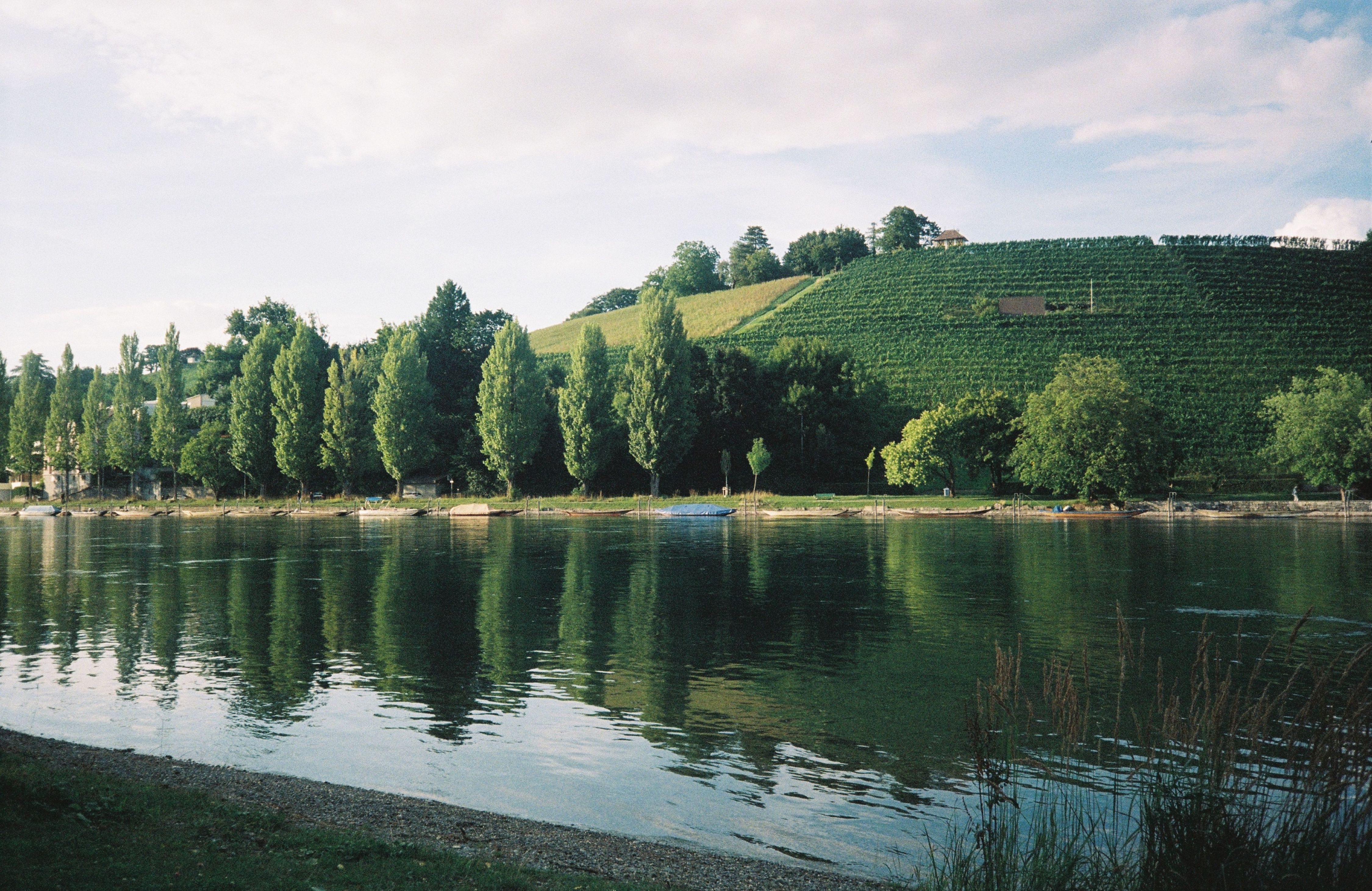
NORMAL SCAN

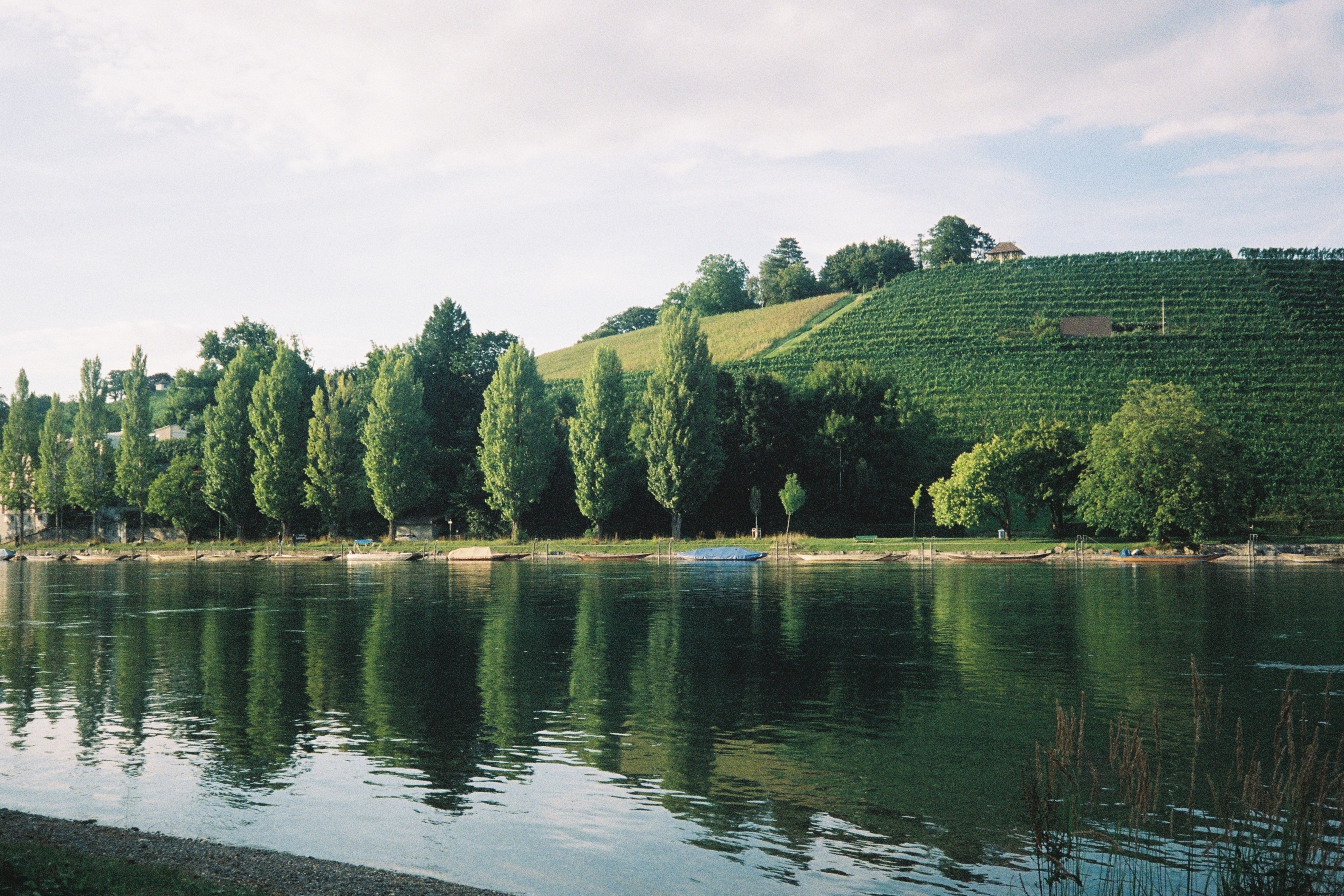
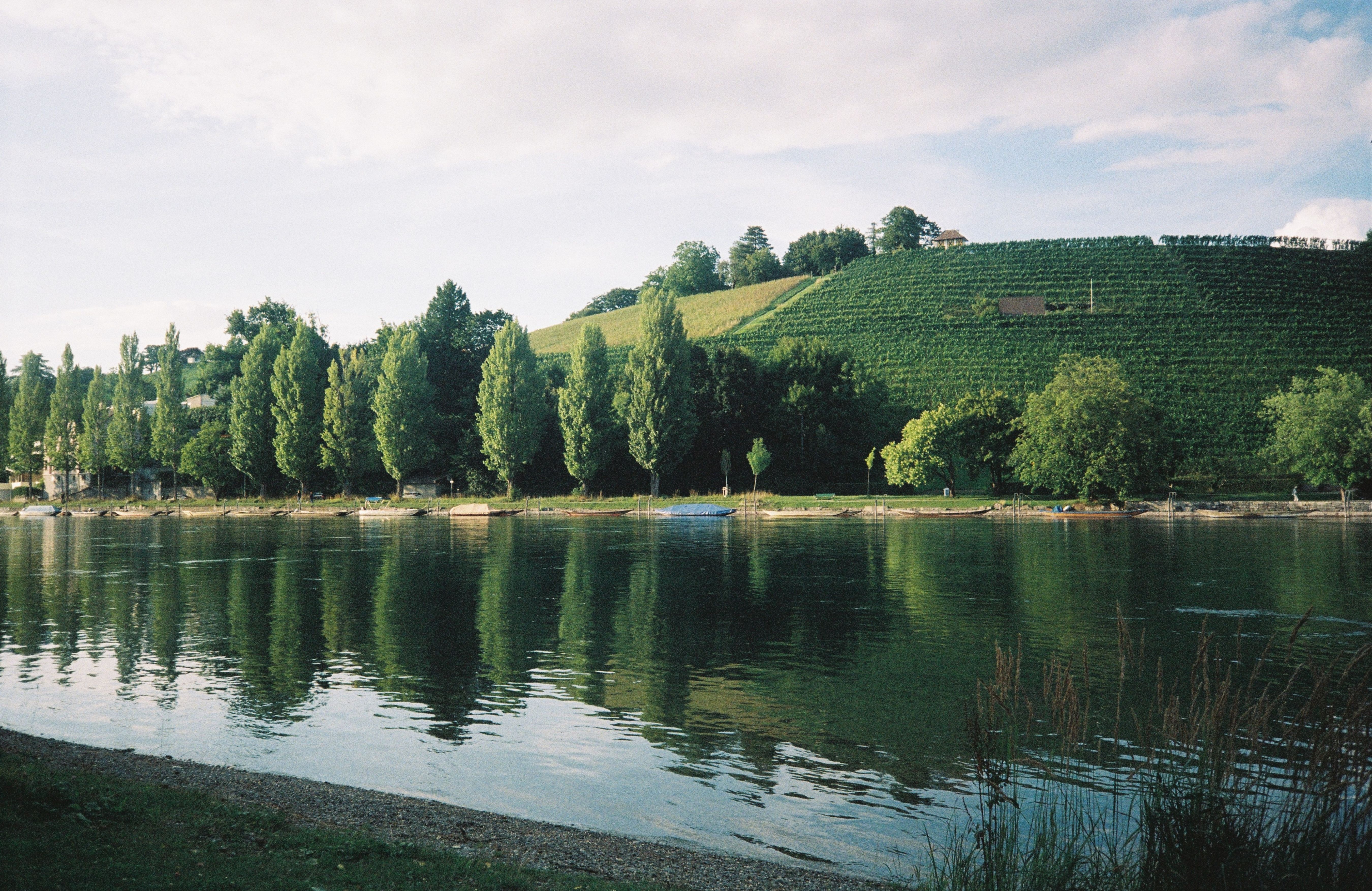
Lake photograph with the normal scan area marked in orange

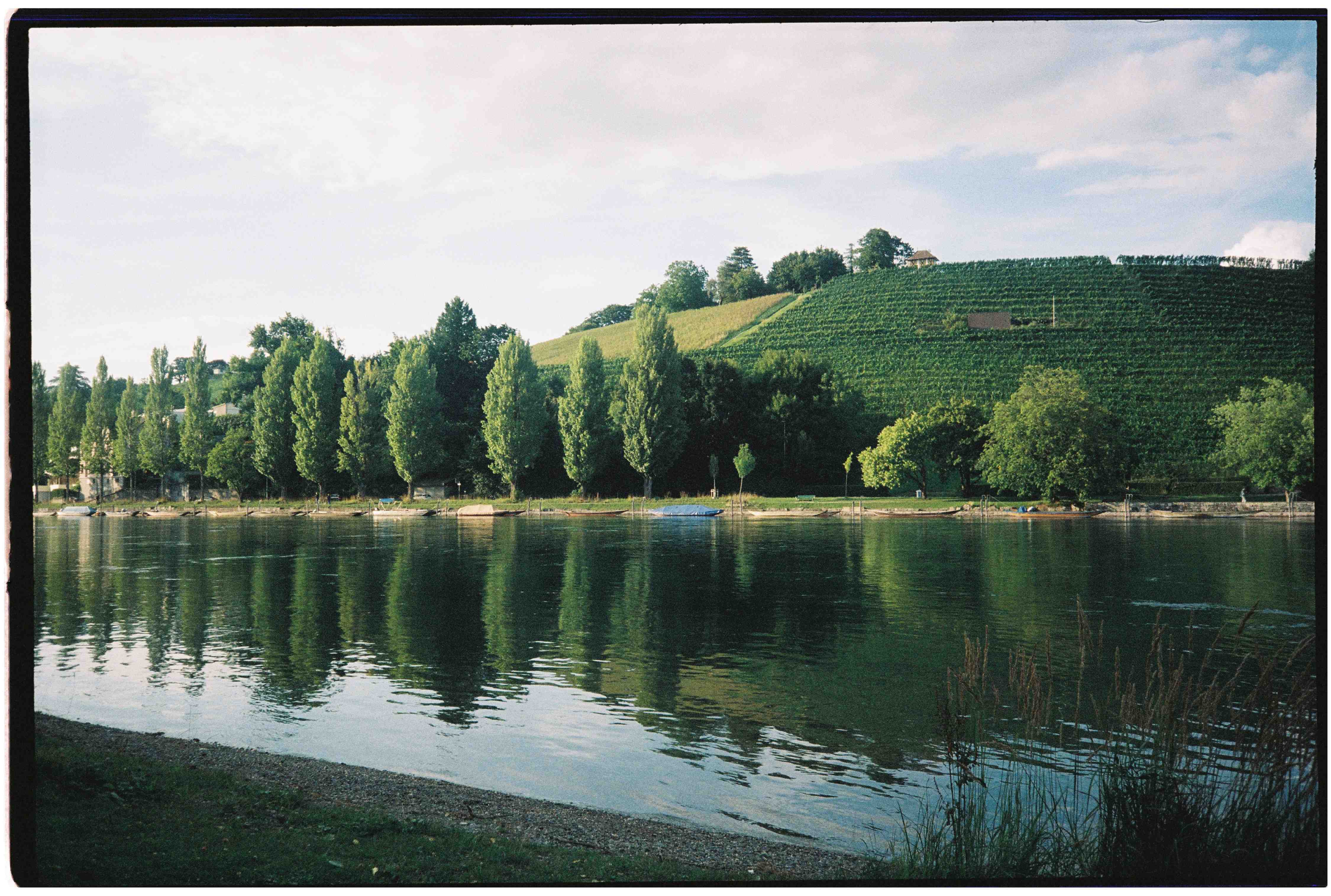
FULL FRAME SCAN

The same lake photograph with the film border visible
TWO WAYS TO RECEIVE YOUR SCANS

HALF FRAME.

Compare two exposures delivered together with each exposure delivered as its own image.

NORMAL HALF FRAME

Two exposures · One file

Keep the pair together, or crop out each image yourself.

INDIVIDUAL HALF FRAME

One exposure per file · Two files

Each image is ready to view, edit, and share separately.

SHARING OR EDITING

CHOOSE YOUR FILE.

The file format affects file size, compatibility, and how you work with your scans.

JPG

A compact file for everyday viewing and sharing.

5–10 MB
Best forSharing and everyday use
CompressionLossy · smaller files

Easy to open and send. Avoid repeatedly saving over the original when editing.

TIFF

A larger file for an editing workflow and keeping a master copy.

45–50 MB
Best forEditing and master files
CompressionUncompressed or lossless

Requires more storage. Export a JPG when you want a smaller copy to share.

MEDIUM FORMAT

120 SCANS.

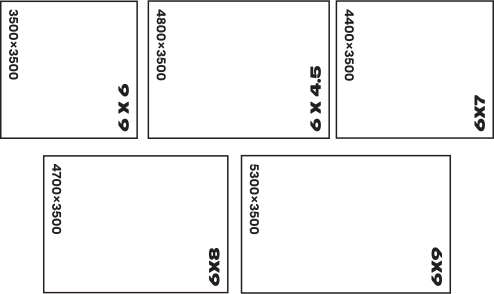
Different frame formats produce different image shapes and scan dimensions.
FRAME SIZES

Original 120 scan size chart comparing 6 by 6, 6 by 4.5, 6 by 7, 6 by 8 and 6 by 9 formats

FULL SCAN

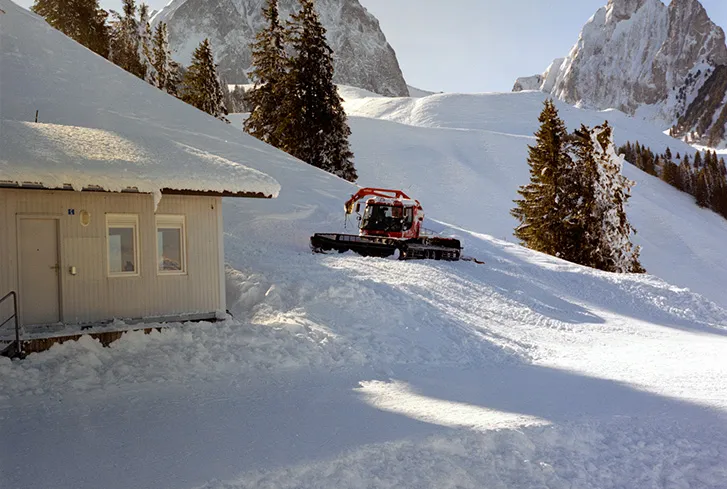
Medium-format scan of a snow-covered mountain scene and snow groomer